
Desktop labelFramework
Build adaptable operations

Platform & Automation

Configure forms, workflows, users, communications, integrations, printing, data and web experiences on the BITEX foundation.
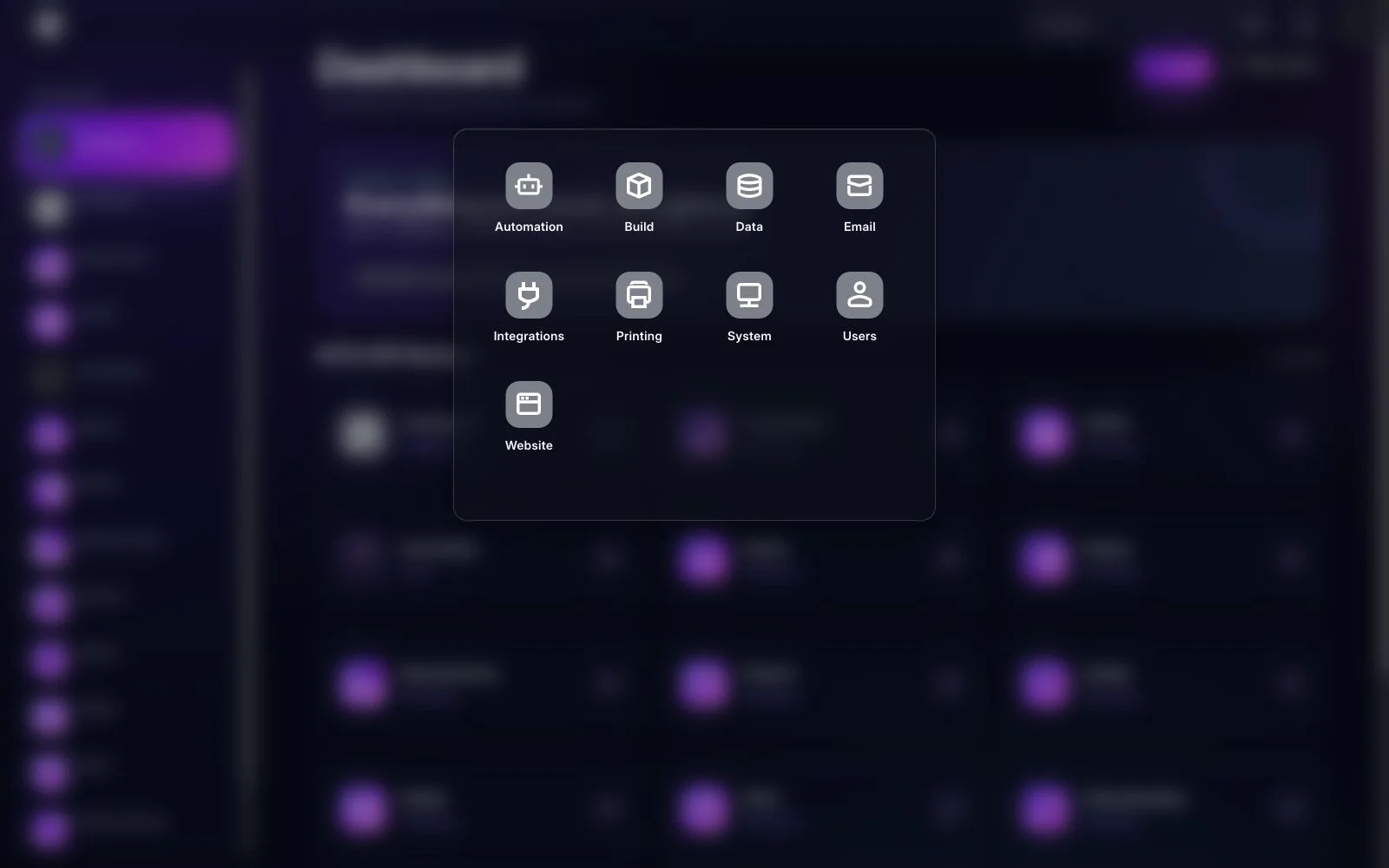
BITEX Framework desktop menu in the dark interface
Framework brings Automation, Build, Data, Email, Integrations, Printing, System, Users and Website tools together.
BITEX ERP

Core capabilities

Connected capabilities that carry the workflow from setup through operational follow-up.

01

Automation

Turn approvals, assignments, notifications and recurring actions into controlled workflows.

02

Build & Data

Adapt forms, fields, document types, imports, exports and master data without fragmenting the platform.

03

Email, Printing & Website

Manage templates, print formats, outbound communications and customer-facing web experiences.

04

Integrations, System & Users

Connect services, govern access, monitor jobs and maintain core system settings.

Representative workflow

From setup to an operational result

  1. 1Model the process and required records
  2. 2Configure roles, fields and validation
  3. 3Automate approvals and notifications
  4. 4Monitor usage and refine safely

Reports & insights

  • Workflow activity and pending approvals
  • Background jobs and integration status
  • Users, roles and access review

Business outcomes

Less manual handoffConsistent controlsFaster adaptation
BITEX ERP

See this feature in BITEX

We’ll prepare a walkthrough around your data, roles and approval paths.

Book a Demo