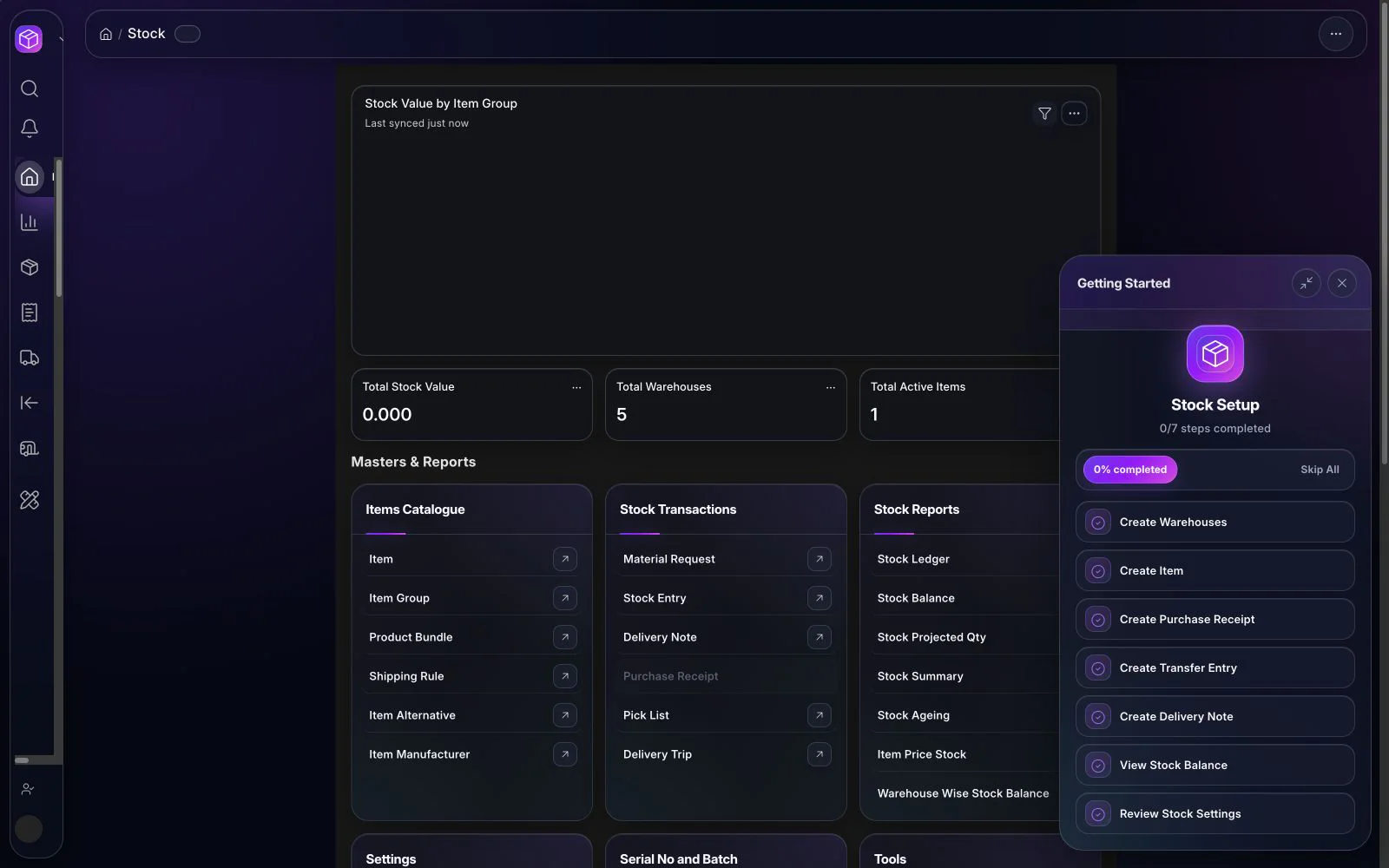
The right accounting ERP for a Saudi business should connect every financial balance to the operational transaction that created it, support Arabic and English teams, preserve controlled tax and invoice data, and produce reports that can be reconciled before go-live. A successful selection is therefore not only a software comparison. It is a joint evaluation of finance controls, source data, connected workflows, implementation capacity, and the reports management needs to make decisions.
What an accounting ERP should solve
Accounting teams often receive data after the business event has already happened. Sales may prepare customer documents in one system, purchasing may follow suppliers in spreadsheets, warehouses may record movements separately, and finance then rebuilds the transaction to post or reconcile it. This creates duplicated work, unclear ownership, and a slower period close.
A connected accounting ERP reduces that gap. A sales invoice should retain its customer, item, tax, delivery, revenue, receivable, and payment context. A supplier invoice should remain traceable to the order, receipt, approval, expense or inventory effect, payable, and settlement. Stock movements should carry the right valuation context into finance. The objective is not automation without control; it is one auditable transaction path with clear roles and exceptions.
1. Evaluate the financial foundation
Begin with the accounting model, not the dashboard. Confirm whether the system can represent the legal entities, chart of accounts, fiscal periods, currencies, cost centers, projects, and other dimensions used by the business. Review how journals are created, approved, reversed, and traced. Test whether the team can restrict posting periods and separate preparation, approval, and reconciliation duties.
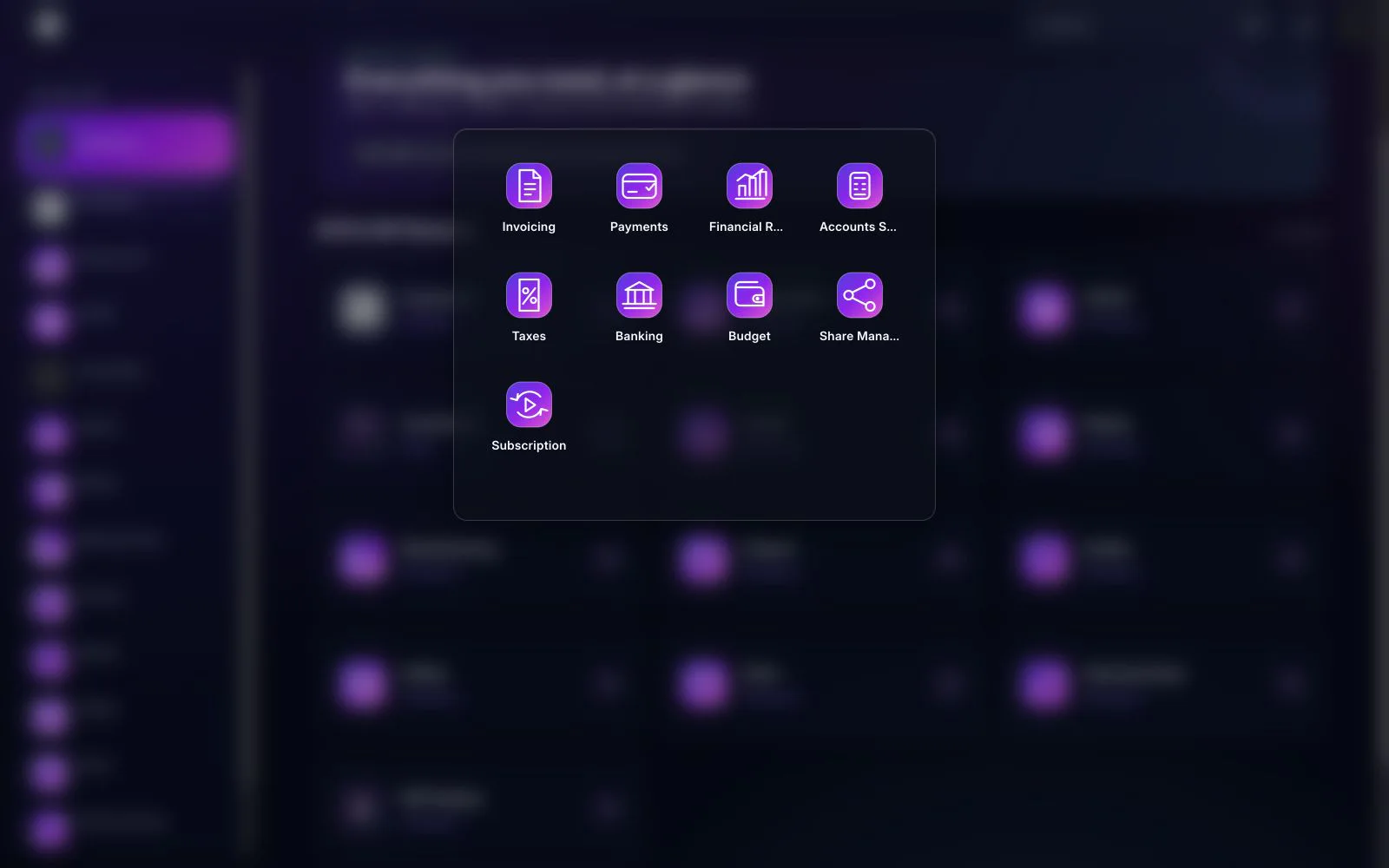
In BITEX, the Accounting & Finance workspace brings invoicing, payments, financial reports, accounts setup, taxes, banking, budgets, share management, and subscriptions into the same finance family. The exact design still needs to be configured around the company’s approved accounting policies and reporting structure.
2. Test receivables, payables, payments, and banking
Do not evaluate receivables and payables using only a perfect sample invoice. Test payment terms, partial settlement, credit activity, allocations, advances, overdue balances, disputed documents, and corrections. Verify that aging reports can be reconciled to the control accounts and that users can move from a report total to the supporting transaction.
For banking, review receipts, payments, cash and bank accounts, references, allocations, and reconciliation. Define who imports or enters bank activity, who matches it, and who approves unresolved differences. The software should make exceptions visible instead of hiding them behind a reconciled total.
3. Confirm the operational connections
Accounting quality depends on the modules that supply its data. Walk through complete scenarios across Sales & POS, Purchasing & Procurement, and Inventory & Stock. For sales, test quotation or order through delivery, invoice, receipt, and reconciliation. For purchasing, test the supplier request or order through receipt, invoice, approval, payment, and the resulting accounting entries. For inventory, test transfers, receipts, deliveries, adjustments, batches or serial numbers where relevant, and the financial effect.
The evaluation should answer a simple question: can finance explain a number from the financial statement back to the source document and the responsible workflow? If the answer requires exporting several systems and rebuilding the trail manually, the proposed design is not yet complete.
4. Validate Saudi VAT and e-invoicing scope carefully
Tax and e-invoicing requirements must be treated as an implementation workstream, not a marketing badge. Review seller and buyer data, document types, tax treatments, line-level tax information, totals, references, Arabic content, QR or structured information where applicable, exception handling, and the entity’s current rollout obligations. The ZATCA Compliance workspace describes BITEX’s configurable invoice-data, validation, status, and integration-ready capabilities.
Use current official material when defining the final scope. ZATCA publishes the VAT Implementing Regulations and the e-invoicing guidelines. Requirements can change and can differ by entity, invoice scenario, phase, or wave. BITEX supports configurable workflows; final readiness must be validated for the specific implementation.
5. Build a report acceptance pack
Create a written list of reports that must be accepted before launch. A practical minimum includes the general ledger, trial balance, profit and loss, balance sheet, cash movement, receivable aging, payable aging, tax reports, bank reconciliation, and the management views used during period close. For each report, specify the expected dimensions, filters, comparison periods, currency treatment, drill-down path, owner, and reconciliation method.
Reports should be tested with migrated opening positions and representative live-like transactions. A report that looks correct with demonstration data may still fail when the company’s actual account structure, dimensions, adjustments, and volume are applied.
6. Prepare the data before migration
Data migration is a finance control exercise. Decide what will move: active masters, opening balances, open receivables and payables, bank positions, inventory positions, fixed assets, and any agreed history. Assign an owner to every source, mapping, transformation rule, and reconciliation output.
- Remove duplicate and inactive customers, suppliers, items, and accounts where the approved policy allows.
- Map legacy accounts and dimensions to the approved future structure.
- Confirm tax identifiers and invoice master data without exposing them in test evidence or screenshots.
- Reconcile opening balances to signed source reports before loading.
- Record rejected rows, corrections, approvals, and the final migration run.
Historical depth should be chosen deliberately. Moving every old transaction can add cost and risk without improving daily operations. In some projects, approved opening positions plus accessible legacy history are safer than a full transactional migration.
7. Use a four-stage implementation
Discover and design
Document entities, current processes, approval paths, accounting policies, tax scenarios, user roles, reports, integrations, data sources, and close activities. Mark which controls must remain, which should change, and who approves the future design.
Configure and prepare
Configure the chart of accounts, periods, dimensions, taxes, roles, workflows, forms, print formats, and connected modules. Clean and map the agreed data while key users prepare test cases based on real business exceptions.
Migrate, test, and reconcile
Run migration rehearsals. Test order-to-cash, purchase-to-pay, inventory-to-finance, payments, adjustments, tax scenarios, permissions, and reports. Reconcile control accounts, opening balances, and report totals. Track every issue to resolution or an approved post-launch action.
Close, train, and launch
Complete user acceptance and a trial period close. Train users by role, not only by screen. Define cutover, access, support, backup, escalation, and reconciliation responsibilities. Go live only when the agreed acceptance evidence is complete.
8. Questions to ask every ERP vendor
- Can you demonstrate our complete accounting scenarios rather than isolated screens?
- How will balances be traced to sales, purchasing, stock, and payment documents?
- Which parts are standard configuration, custom work, or third-party integration?
- Who owns data cleansing, mapping, migration, reconciliation, and approval?
- How are roles, approvals, posting periods, and audit trails controlled?
- Which reports are included, and how will each be reconciled before launch?
- How will Saudi VAT and e-invoicing requirements be validated for our entity?
- What training, cutover, support, and change-control process is included?
Common implementation risks
The most common risks are unclear ownership, an unapproved future chart of accounts, late data cleansing, testing only happy paths, insufficient role design, unreconciled opening balances, and treating reports as a final-week task. Another risk is promising regulatory readiness before the entity, applicable requirements, invoice scenarios, and integration design have been assessed.
Reduce these risks by maintaining a signed scope, decision log, data register, scenario-based test pack, reconciliation pack, issue log, and go-live checklist. The implementation team and the customer’s finance owners should review this evidence together.
How BITEX fits the evaluation
BITEX provides a bilingual accounting workspace connected to sales, purchasing, stock, payments, tax data, banking, budgets, and financial reporting. It is designed for configuration around the company’s roles, workflows, dimensions, and reports. Review the Accounting ERP Software in Saudi Arabia page for the verified capability map, localized product view, buyer FAQs, and a managed implementation path.
The final solution depends on discovery, configuration, data quality, testing, and customer acceptance. A product demonstration should therefore use your priority scenarios and show both the operational document and its financial result.
Frequently asked questions
How long does an accounting ERP implementation take?
There is no responsible fixed duration without discovery. Timing depends on entities, modules, integrations, data quality, migration depth, controls, reports, user availability, testing, and cutover requirements.
Should we migrate all historical transactions?
Not automatically. Compare the operational and audit value of history with the cost and reconciliation risk. Approve a clear boundary for masters, openings, open items, assets, inventory, and history.
Can accounting ERP eliminate every spreadsheet?
It can replace many manual reconciliations and operational trackers, but some analysis may remain outside the ERP. The goal is to keep controlled source data and official reporting inside the governed system.
What is the best proof that the system is ready?
Successful end-to-end scenarios, reconciled opening balances, accepted reports, approved permissions, a completed trial close, trained users, and signed cutover responsibilities provide stronger evidence than a generic feature checklist.
Official references
- ZATCA — VAT Implementing Regulations
- ZATCA — E-invoicing guidelines
- Saudi Organization for Chartered and Professional Accountants — endorsed professional standards
Last substantive review: 30 August 2026. This guide provides implementation information, not accounting, tax, or legal advice. Confirm current requirements with the relevant authorities and qualified advisers.

BITEX Editorial Team
ERP product and operations specialistsThe BITEX Editorial Team turns verified product knowledge and Saudi operating experience into practical guidance for finance and operations leaders.