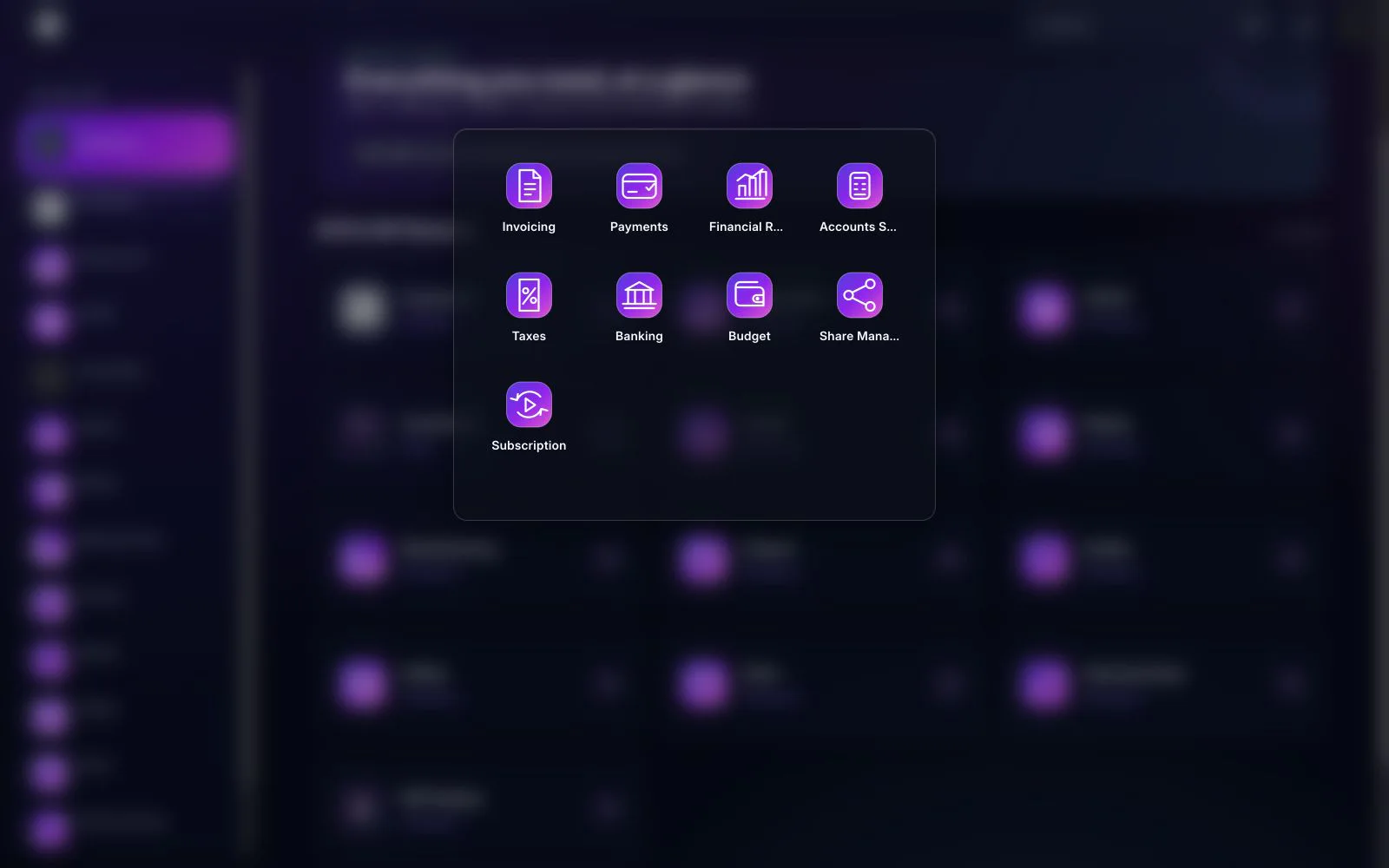
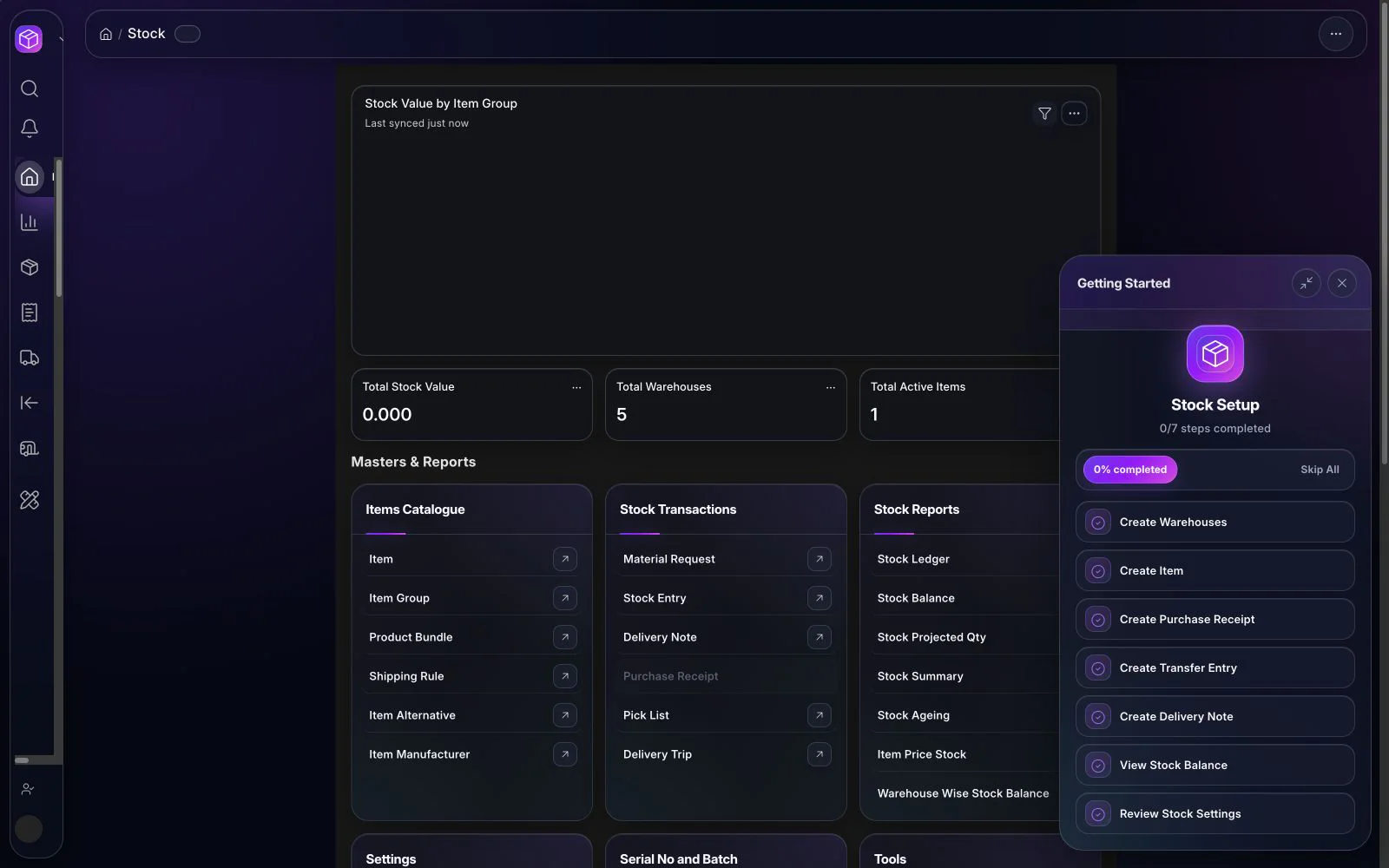
Effective multi-warehouse inventory management requires one trusted item record, a clear location structure, controlled movement documents, deliberate replenishment settings, and regular reconciliation of physical quantities to the system. Software can connect those controls, but dependable availability and valuation still depend on clean master data, timely transactions, approved policies, and accountable warehouse routines.
What multi-warehouse inventory management should solve
As a business adds stores, depots, production locations, transit points, or consignment stock, a single total quantity becomes misleading. Teams need to know which company owns the stock, where it is physically held, whether it is available or committed, which document moved it, and whether a batch, serial number, quality status, or expiry rule applies.
A connected inventory system should preserve that context from purchase receipt through putaway, internal transfer, production consumption, picking, delivery, return, count, and adjustment. The goal is not to create more warehouse administration. It is to make each material movement understandable and to surface exceptions before they become purchasing delays, missed deliveries, production shortages, or accounting differences.
1. Design the warehouse model before importing data
Begin with the physical flow. List every location that receives, stores, inspects, produces, stages, ships, returns, or quarantines material. Then decide which of those locations needs a separate system warehouse and which is only a shelf, zone, or operating instruction. An unnecessarily deep hierarchy increases transaction effort; an overly simple structure hides responsibility and availability.
For each warehouse, define its company, purpose, owner, allowed transactions, access roles, replenishment source, count frequency, and reporting requirement. Transit and rejected-goods locations should have explicit rules so stock does not remain there without review. In BITEX, the Inventory & Stock workspace connects warehouse masters with stock transactions, settings, controls, and reports.
2. Build one governed item master
The item master is the foundation for every inventory result. Standardize item codes, names, groups, stock units of measure, conversion factors, active status, purchasing and sales units, default warehouses, and any required batch or serial controls. Assign an owner for creating and changing items, and prevent users from solving naming problems by creating near-duplicates.
Use attributes and variants only where they improve identification or transactions. Document how substitute items, product bundles, manufacturer references, barcodes, and price lists will be governed. Before migration, identify obsolete items, inconsistent units, negative quantities, duplicate codes, and records without an accountable owner.
3. Standardize every stock movement
Every change in quantity should have a defined business document and responsible role. Typical movements include purchase receipt, delivery, internal transfer, material issue, material receipt, manufacturing consumption, finished-goods receipt, return, and controlled adjustment. Users should not select a generic transaction merely because it is convenient.
Walk through complete scenarios across Purchasing & Procurement, Sales & POS, and Manufacturing. Test partial receipts and deliveries, over- or under-delivery rules, rejected quantities, cancelled documents, returns, transfers in transit, and corrections. The stock ledger should explain the date, quantity, warehouse, item, value context, and originating document for each movement.
4. Separate actual, reserved, and projected availability
Physical balance is not the same as quantity available for a new promise. Open sales demand, material requests, purchase orders, production requirements, expected receipts, reservations, and internal transfers can change the operational picture. Teams should agree which quantity answers each question: what is on hand, what is committed, what is incoming, and what is projected after known supply and demand.
Define who may promise stock, how shortages are escalated, and how frequently overdue supply or demand documents are reviewed. A projected quantity report is useful only when open orders and dates are maintained. Old documents create false demand or supply and should be closed or corrected through an approved process.
5. Configure reorder planning deliberately
Reorder planning should express an operating policy, not a default number copied across all items. Segment items by demand pattern, value, criticality, shelf life, supply risk, and replenishment lead time. For each relevant item and warehouse, review reorder level, reorder quantity, minimum order constraints, safety allowance, replenishment source, and expected lead time.
Configured thresholds can support material-request preparation when projected quantity falls below the agreed level. The result is a recommendation for review, not proof that an order should always be placed. Buyers must consider promotions, seasonality, exceptional projects, supplier constraints, obsolete stock, and demand changes. Track recommendations that were accepted, changed, or rejected so the planning rules can be improved.
6. Apply batch and serial controls where they add value
Batch tracking is useful when groups of units share production, receipt, quality, or expiry characteristics. Serial tracking identifies an individual unit and can support traceability, service, or warranty processes. Both controls add operational effort, so apply them to defined item groups rather than enabling them everywhere.
Test number creation, supplier-provided numbers, receipt, transfer, selection during issue, return, correction, expiry information, and traceability. The warehouse procedure must specify when numbers are captured and how unreadable labels or mismatches are handled. Reports cannot repair missing numbers after a physical movement has already happened.
7. Treat valuation and landed cost as controlled finance decisions
Inventory quantity and inventory value are related but different controls. The configured valuation approach, opening rates, purchase rates, exchange rates, additional costs, returns, manufacturing entries, and adjustments can all affect the financial result. Review the design jointly with operations and finance, and connect it to the Accounting & Finance workspace.
International Accounting Standard 2 describes inventory measurement and permitted cost formulas within its scope. The IFRS Foundation’s IAS 2 overview is a useful starting reference, but the company must confirm its applicable accounting framework and policies with qualified advisers. ERP configuration should implement the approved policy; it should not choose the policy.
Where freight, duty, insurance, or other eligible purchase costs must be allocated, define which documents supply the cost, which allocation basis is accepted, who reviews it, and how late costs are handled. Reconcile inventory valuation reports to the relevant financial control accounts before go-live and at each agreed close.
8. Make physical counts and reconciliation routine
A system balance is a claim about physical stock. Prove it with planned counts. Define cycle-count frequency by risk, preparation steps, transaction-freeze rules, blind-count expectations, recount thresholds, approval limits, and the evidence required for adjustments. Investigate root causes such as delayed entries, wrong units, location errors, unrecorded scrap, or document cancellation instead of correcting only the quantity.
For migration, freeze an approved cutover point, clean the masters, count the stock, capture required batches and serial numbers, load opening quantities and values, and reconcile totals by company, warehouse, item group, and control account. Do not begin normal processing with unexplained opening differences.
A representative connected workflow
- Demand is recorded through a sales, production, transfer, or material request.
- Availability and projected quantity are reviewed by item and warehouse.
- Approved supply is received from purchasing, production, or another warehouse.
- Quality status, batch, serial, and putaway details are captured where required.
- Stock is transferred, picked, consumed, or delivered using the correct source document.
- Returns, discrepancies, and adjustments follow an approved exception process.
- Operations review balance, shortage, ageing, expiry, and movement reports while finance reconciles value and control accounts.
Reports and an operating rhythm
A useful report pack may include stock balance, stock ledger, projected quantity, ageing, shortage, warehouse-wise balance, reorder recommendations, batch expiry, serial history, warehouse capacity, and purchase or delivery exceptions. Assign an owner, review frequency, decision, and escalation threshold to every report. A dashboard without a management routine is only a display.
Daily reviews may focus on blocked receipts, urgent shortages, failed picks, and overdue transfers. Weekly reviews can cover replenishment recommendations, slow-moving items, negative or unusual balances, and open exceptions. Monthly reviews should include count results, ageing, valuation reconciliation, parameter changes, and actions for obsolete or excess stock.
Implementation checklist
- Approve the warehouse hierarchy, ownership, access, and allowed movement types.
- Clean item codes, units, groups, defaults, and active status.
- Document receipt, transfer, production, delivery, return, and adjustment procedures.
- Define replenishment inputs and the review process for recommendations.
- Limit batch and serial controls to items with a clear requirement.
- Approve valuation, landed-cost, and accounting treatments with finance.
- Test integrations, labels, scanners, print formats, permissions, and exception cases in scope.
- Complete a controlled opening count and reconcile quantities and values.
- Train users by role and measure transaction timeliness after launch.
Common risks and limitations
Common risks include copying a poor warehouse structure, migrating duplicate items, enabling serial tracking without a scanning process, using unreliable lead times, allowing backdated transactions without control, and treating adjustment entries as a substitute for investigation. Another risk is assuming that “real-time stock” is automatically accurate while physical work is recorded late.
BITEX provides configurable records, workflows, controls, and reports; it cannot guarantee accuracy when users bypass documents, master data is inconsistent, integrations are incomplete, or counts are not reconciled. The implementation must define the operating discipline that makes the system trustworthy.
How BITEX supports the inventory operation
BITEX brings items, warehouses, stock transactions, replenishment inputs, batch and serial records, reconciliation tools, landed-cost context, and inventory reports into a bilingual ERP platform. Review the Inventory Management Software in Saudi Arabia page for verified capabilities, the full English product workspace, buyer questions, and a structured rollout path.
The final scope depends on the company’s warehouse network, item complexity, transaction volume, traceability obligations, accounting policies, integrations, and migration quality. A product demonstration should use representative movements and exceptions from your business, not only a clean sample receipt and delivery.
Frequently asked questions
How many warehouses should we create?
Create enough system locations to represent ownership, responsibility, availability, and required reporting. Avoid turning every shelf into a warehouse unless that level is essential to controlled operations.
Should every item use batch or serial tracking?
No. Apply traceability where regulation, expiry, warranty, service, quality, value, or operational risk justifies the extra capture and handling effort.
Can reorder levels replace demand planning?
Reorder levels are one planning input. They work best for suitable demand patterns and still require accurate lead times, maintained open documents, exception review, and human judgment.
What proves readiness for go-live?
Approved masters and procedures, successful end-to-end scenarios, reconciled opening quantities and values, accepted reports, tested permissions and exceptions, trained users, and signed cutover responsibilities provide stronger evidence than a feature checklist.
Reference
- IFRS Foundation — IAS 2 Inventories overview
Last substantively reviewed: 7 September 2026. This guide provides operational and implementation information and is not accounting, tax, legal, or regulatory advice. Confirm applicable requirements and accounting policies with the relevant authorities and qualified advisers.

BITEX Editorial Team
ERP product and operations specialistsThe BITEX Editorial Team turns verified product knowledge and Saudi operating experience into practical guidance for finance and operations leaders.